

Do you want the option to collect important customer information during a POS purchase? You can enable Customer Information Collection so the information is captured directly during checkout.
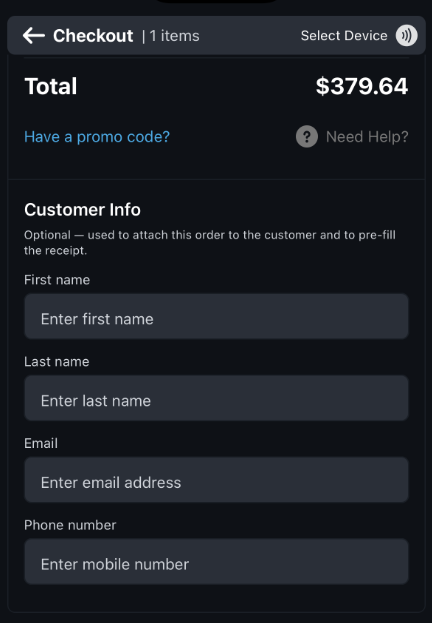
When enabled, the POS checkout will include fields for the customer to provide their information.
⚠️ Important Notes
Customer Information Collection is optional. You can enable or disable it based on your event's needs.
Even if it is enabled, customers can still complete a POS purchase without providing customer information. Purchases will process successfully regardless of whether Customer Information Collection is filled out.
🔍 What Happens If Customer Information Collection Is Not Enabled?
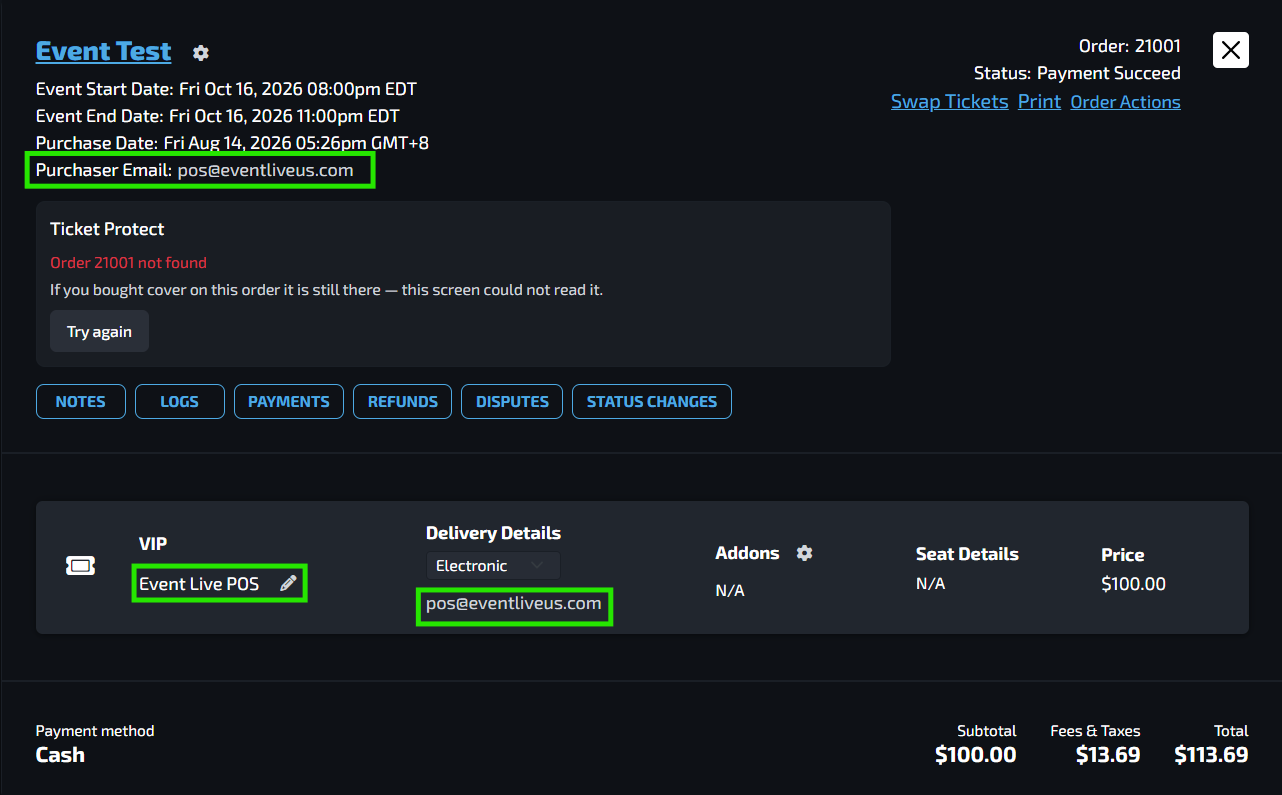
If customer information is not collected during the POS transaction, the Transaction History in the backend will not contain the customer's actual information. Instead, the system will use its default information.
You won't be able to search the order by name or email address
There won't be any identification of the order aside from its Order ID
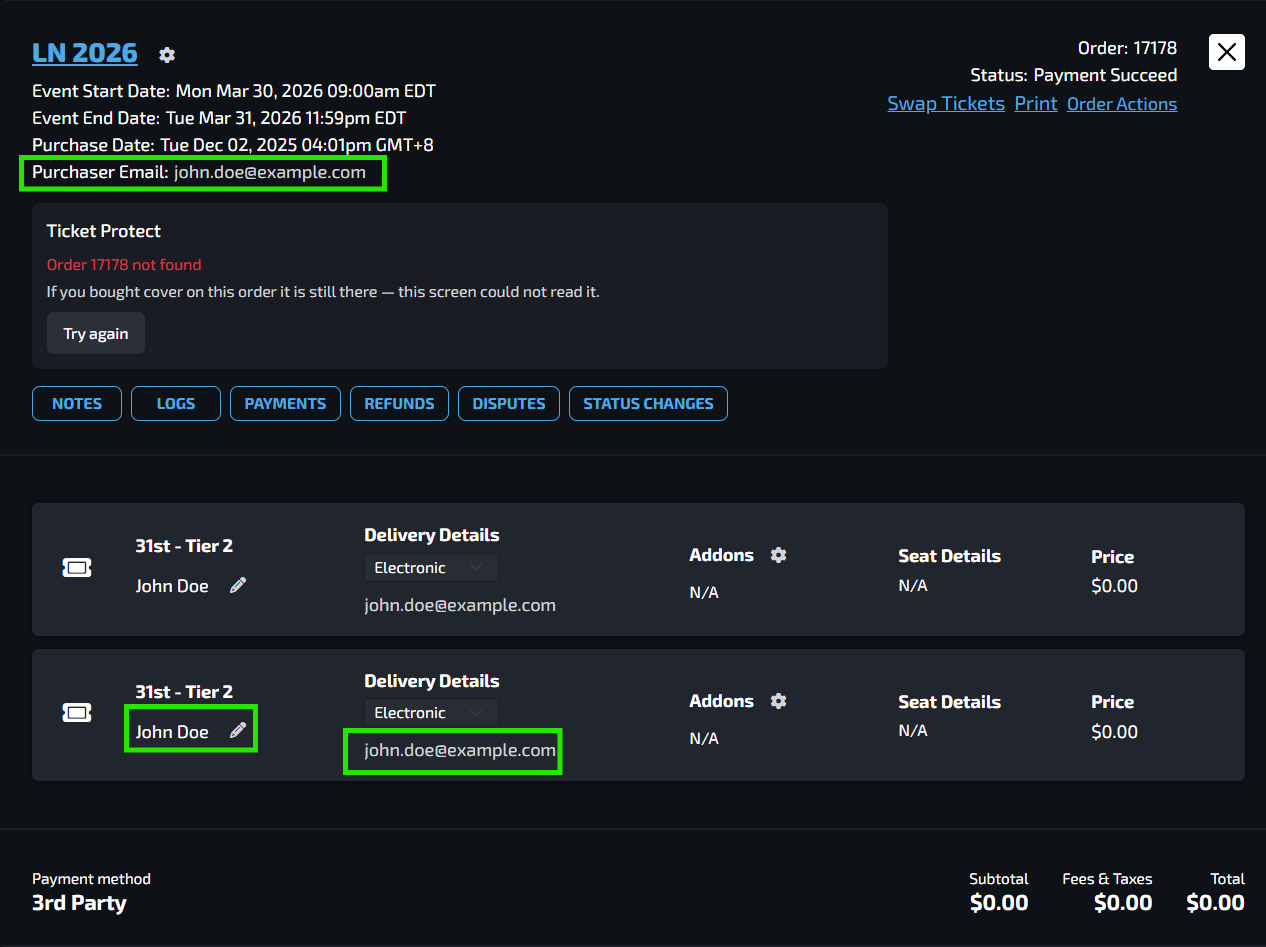
✅ What Happens When Customer Information Collection Is Enabled?
When customer information is collected, the customer's details are stored with the transaction. This provides a more complete customer history, similar to a purchase made through the event website.
💡 Why This Matters
Collecting customer information helps you:
📝 Keep accurate customer records
🔎 Easily find past purchases
💳 Handle refunds and disputes more efficiently
📞 Provide better customer support
📊 Maintain complete transaction history
🧾 Keep POS purchase records consistent with online purchases
How to Set Up Customer Information Collection
The customer information fields should now appear on the POS checkout page.
💡 Tip: If the fields do not appear after enabling the setting, make sure the mobile app or device has been refreshed.
FAQs
Do I have to enable Customer Information Collection?
No. This feature is optional and can be enabled based on your event's needs.
Will POS purchases still work if Customer Information Collection is disabled?
Yes. Purchases can still be completed successfully without collecting customer information.
What information is collected?
Full Name, Email Address, and Phone Number.
Can I enable this after the event has already started?
Yes. You can enable the setting whenever you need to start collecting customer information for POS purchases. HOWEVER, it is highly encouraged to have this feature enabled before the start of the event.
What should I do if the fields don't appear on my POS device?
Refresh the EVENT Live mobile app or POS device after enabling the setting. If the fields still don't appear, verify that the setting is active in Settings > POS Configuration.
Otherwise, notify the EVENT Live Support Team.